
How can I make uneven dialogue levels more consistent?
A compressor reduces the difference between louder and quieter parts of an audio signal. invideo Editor includes Compressor (compressor) in Effects, under Audio. Use it when a speaker’s level varies and moving the track fader does not solve the variation.
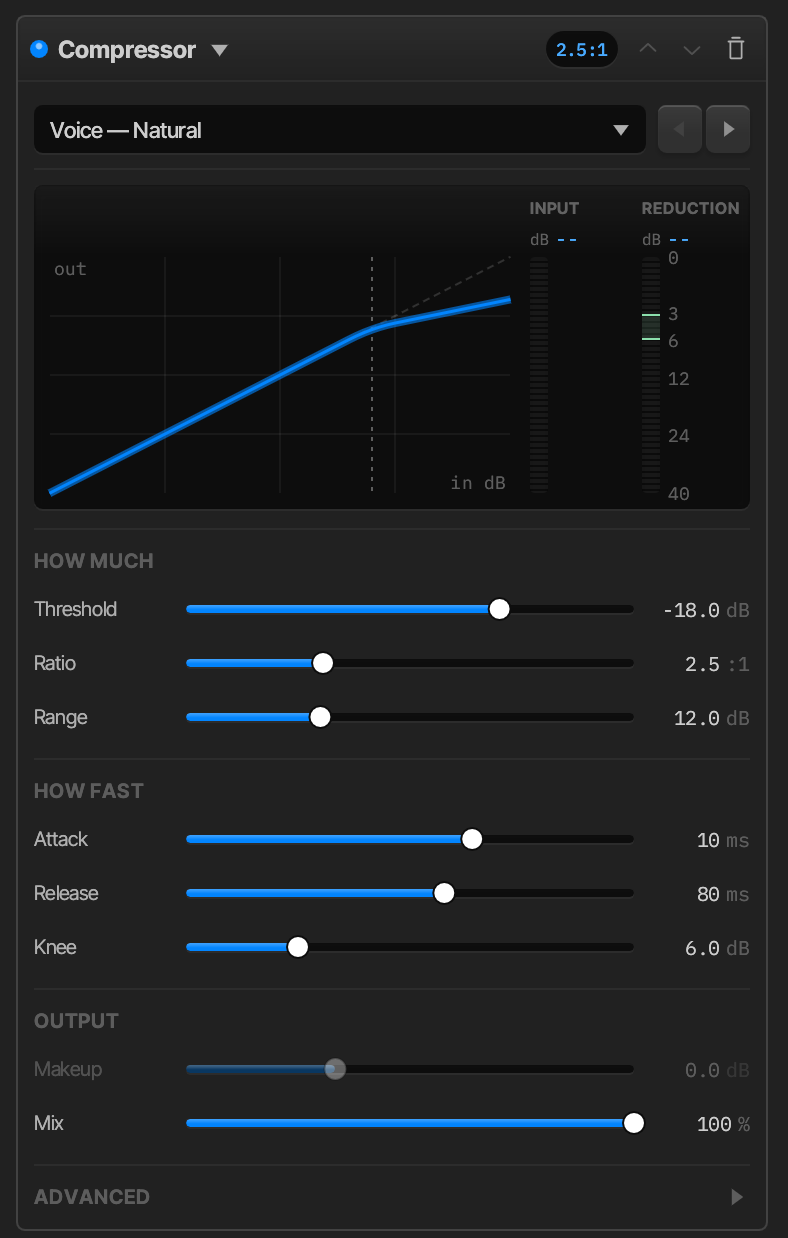
Start with a sensible overall dialogue level, then listen to both soft and emphatic lines as you adjust the compression. Aim for speech that remains expressive and easy to follow. Check it with the music and effects playing too. Heavy compression can make breathing or background sound more noticeable.